 Wayther
How to Plan a Road Trip Around the Weather
Plan your route, compare weather along the way, and find a better departure time. A step-by-step guide to planning a road trip around the forecast.
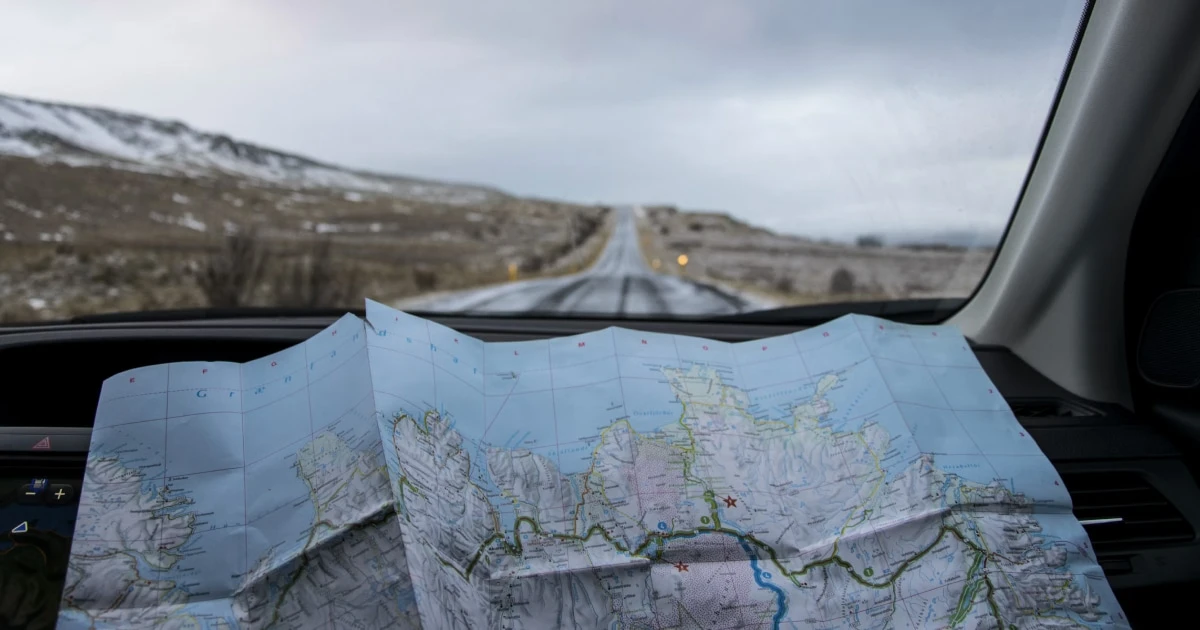
Planning a road trip usually starts with choosing a destination, finding a route and checking the weather at home or at the place you are going. But the conditions that affect your journey may be somewhere in between, several hours into the drive.
Rain can move across a mountain pass, strong winds can affect an exposed motorway, or fog can reduce visibility along a section of road just before sunrise. The weather at your destination may look fine while part of your journey is not.
A better approach is to plan the route first, then use the forecast to decide when to travel and whether another route would be more suitable.
1. Choose your route and departure time
Start with your departure point and destination. Choose a likely route and estimate when you will leave.
Your departure time matters because the weather at each point on your route depends on when you are expected to reach it. If you leave two hours later, you will encounter the forecast conditions at different times throughout the journey.
This is the principle behind a route-based weather forecast: it considers the conditions expected along your drive, at the approximate time you pass through each location.
Wayther helps you see the weather ahead along your route, rather than relying only on a general forecast for your current location or destination. You can use that information as part of your trip planning before you set off.
2. Check the forecast along the entire route
A forecast for your destination does not tell you everything about the drive.
Look for changes in conditions along the way, including:
- Precipitation: Rain or snow may affect only part of your route.
- Wind and gusts: Exposed roads and bridges can be more challenging in strong winds, particularly for motorcycles, RVs and other high-sided vehicles.
- Visibility: Fog, mist and heavy precipitation can reduce visibility, especially during early morning or nighttime driving.
- Temperature: Conditions can change with elevation, time of day and local weather patterns.
A route forecast helps you identify where conditions may change. It is particularly useful for long drives that cross different regions or types of terrain.
With Wayther, you can inspect weather conditions at points along your journey and use the route timeline to understand how the forecast changes as you travel.
3. Adjust your departure time
If the forecast shows unfavorable weather during part of the drive, check whether leaving earlier or later could improve the conditions you are likely to encounter.
For example, suppose heavy rain is forecast along a section of motorway around midday. Leaving earlier might mean reaching that section before the rain arrives. Leaving later could also help if the rain is expected to clear.
The important detail is to look at the forecast for the time you expect to pass through the affected area, not simply the weather at your departure time.
Wayther supports departure-time planning up to 10 days ahead, helping you explore how the forecast may differ at different times. Forecasts become less certain further into the future, so treat early results as planning guidance and check again closer to departure.
For a more detailed walkthrough, read how to find the best time to travel by road.
4. Compare alternative routes if timing is not enough
Sometimes you cannot change your departure time. You may have a hotel booking, a ferry to catch, a work commitment or a fixed arrival deadline.
In that case, compare alternative routes.
A different road may avoid a forecast area of heavy rain or strong winds. It may also take longer, cover more distance or introduce different terrain, so consider the trade-offs rather than automatically choosing the route with the most favorable forecast.
Wayther lets you compare routes by travel time, distance and weather conditions. This can help you decide whether an alternative is worth considering before you leave.
Read how to find the best route for a road trip for more on comparing route options.
5. Plan each day of a multi-day trip
A road trip lasting several days needs more than one weather check.
Each day has a different route, departure time and set of expected conditions. Plan the next day’s drive individually, especially if you will cross mountains, travel through exposed areas or cover a long distance.
Consider when you expect to arrive, too. Finishing a long drive after dark can mean lower temperatures, reduced visibility and unfamiliar roads at the end of an already tiring day.
You do not need to plan every detail weeks in advance. Start with the overall itinerary, then refine each day’s route and timing as the forecast becomes more useful.
6. Recheck the forecast before leaving
Weather forecasts are not fixed schedules. Conditions can change between the time you plan a trip and the moment you set off.
Check the forecast again the evening before departure and, when relevant, on the morning of your trip. Pay particular attention to official weather warnings, road closures and restrictions.
For a long journey, remember that the forecast can change while you are travelling. If conditions become difficult, stop somewhere safe before reviewing your options. Do not interact with your phone while driving.
7. Prioritize the weather that matters for your vehicle
The conditions worth checking depend partly on what you drive.
- Motorcycles: Wind, gusts, rain and temperature can all affect comfort and handling. See our guide to motorcycle weather.
- RVs and caravans: Strong crosswinds deserve particular attention because high-sided vehicles can be more affected by wind. Read RV weather planning.
- Trucks: Check wind exposure, precipitation and conditions across the entire route. See our guide to trucking weather.
- Cars: Consider rain, visibility, temperature and any severe weather expected along the way.
Our guides to driving in high winds, rain and road conditions and fog and visibility explain how these conditions can affect a journey.
What a route forecast can and cannot do
A route forecast helps you plan around expected weather, but it cannot guarantee favorable conditions or determine whether a road is safe for every driver and vehicle.
Forecasts have uncertainty, particularly several days ahead. They may not reflect every local condition, sudden change or temporary road restriction. Keep a navigation app for turn-by-turn directions, check official weather warnings and road-authority updates, and follow local safety advice.
Plan your route with the weather in mind. Wayther helps you check conditions along the road, compare alternative routes and explore departure times before your next trip.
Frequently asked questions
- How do I plan a road trip around the weather?
- Choose your route, check the forecast along the entire journey, and compare departure times and alternative routes. Recheck the forecast before leaving because conditions can change.
- Should I check the weather at my destination or along the route?
- Both can be useful, but checking only your starting point and destination can miss important conditions between them. A route forecast helps you see how weather may vary along the drive.
- How far ahead can I plan a road trip around the weather?
- You can start planning several days ahead, but forecast uncertainty generally increases with lead time. Wayther supports departure-time planning up to 10 days ahead; check again closer to departure.
- Can I change my departure time to avoid bad weather?
- Sometimes. Moving your departure earlier or later changes when you reach each point on the route, which may help you avoid a period of unfavorable weather. Always assess the latest forecast and official warnings.
Before your next journey
Check the forecast for the road ahead.
Wayther is a road trip weather app for drivers, available on iPhone and iPad. It provides hour-by-hour road trip weather at every point on your route, timed to when you'll be there. Compare routes, find the best time to leave, plan 10 days ahead. Try it free.

Keep reading
How to Find the Best Time to Travel by Road
Find the best time to start a road trip by comparing weather along your route, expected arrival times and daylight before you leave.

Driving in High Winds: What a Forecast Tells You and What It Doesn't
Learn how wind speed, gusts and direction affect driving, why high-sided vehicles are more vulnerable, and how to check wind forecasts along your route.

How to Find the Best Route for a Road Trip
Compare alternative routes by travel time, distance and weather to find a route that better fits the conditions along the way.